

Yo, fellow keyboard enthusiasts! As a supplier of mechanical switches, I often get asked about the differences between Cherry MX Red and Cherry MX Blue switches. Well, you're in the right place because I'm gonna break it down for you in a way that's easy to understand.
Let's start with the basics. Cherry MX switches are some of the most popular mechanical switches out there, and the Red and Blue variants have their own unique characteristics that make them stand out.
Tactility and Actuation
The first thing you'll notice when comparing these two switches is the feel. Cherry MX Blue switches are tactile. That means when you press down on a key, you'll feel a distinct bump or click at a certain point in the keystroke. It's like a little feedback mechanism that tells you the key has registered. This tactile feedback is great for typists who like to feel the keys engaging. It gives you a sense of precision and control.
On the other hand, Cherry MX Red switches are linear. There's no bump or click. You just smoothly press down on the key until it registers. It's a very straightforward and fluid motion. This makes Red switches ideal for gaming, especially for fast-paced games where you need to make quick, repeated key presses. You don't have to worry about the tactile feedback getting in the way of your speed.
The actuation force is also different. Cherry MX Blue switches require a bit more force to actuate. You need to press down with about 50 grams of force to register a keystroke. This can be a bit tiring if you're typing for long periods, but it also gives you more control. Cherry MX Red switches, however, have a lighter actuation force of around 45 grams. This makes them easier to press, which is great for extended gaming sessions or for those with weaker fingers.
Noise Level
Another big difference between these two switches is the noise they make. Cherry MX Blue switches are known for their loud clicky sound. Every time you press a key, you'll hear a distinct click. This can be really satisfying for some people, but it can also be a nuisance in an office or shared environment. If you're working in a quiet space, the constant clicking might distract your colleagues.
Cherry MX Red switches, on the other hand, are much quieter. Since they're linear and don't have that clicky mechanism, the sound they make is more of a soft thud. This makes them a better choice for those who need to use their keyboard in a quiet environment or for those who don't want to disturb others while they're gaming or typing.
Durability
When it comes to durability, both Cherry MX Red and Blue switches are built to last. They're designed to withstand millions of keystrokes, so you don't have to worry about them wearing out quickly. However, the design of the switches can affect their longevity in different ways.
The tactile mechanism in Cherry MX Blue switches has more moving parts, which means there's a slightly higher chance of something going wrong over time. But in general, if you take care of your keyboard, you shouldn't have any major issues. Cherry MX Red switches, with their simpler linear design, are often considered to be more reliable in the long run. There are fewer parts that can break or wear out, so they're less likely to develop problems over time.
Use Cases
As I mentioned earlier, Cherry MX Blue switches are great for typing. The tactile feedback and clicky sound give you a sense of satisfaction and control when you're pounding away at the keys. They're also popular among writers and programmers who need to type accurately for long periods. The actuation force and tactile bump help you avoid accidental keystrokes, which can be a big plus when you're working on important documents.
Cherry MX Red switches, on the other hand, are the go-to choice for gamers. The light actuation force and smooth linear motion allow you to make quick, precise key presses without any delay. Whether you're playing first-person shooters, real-time strategy games, or any other type of game that requires fast reflexes, Red switches will give you an edge.
But that doesn't mean you can't use Cherry MX Blue switches for gaming or Red switches for typing. It really depends on your personal preference. Some gamers actually prefer the clicky feedback of Blue switches because it gives them a better sense of when they're pressing a key. And some typists might like the smoothness of Red switches, especially if they have a light typing style.
Pricing
In terms of pricing, there's not a huge difference between Cherry MX Red and Blue switches. However, the cost can vary depending on the brand and the specific keyboard you're buying. Generally, keyboards with Cherry MX Red switches tend to be slightly more expensive because they're more popular among gamers, and gaming keyboards often come with additional features and higher-quality components.
But as a mechanical switch supplier, I can offer you competitive prices on both Cherry MX Red and Blue switches. Whether you're a keyboard manufacturer looking to source switches for your products or an individual looking to build your own custom keyboard, I've got you covered.
Related Products
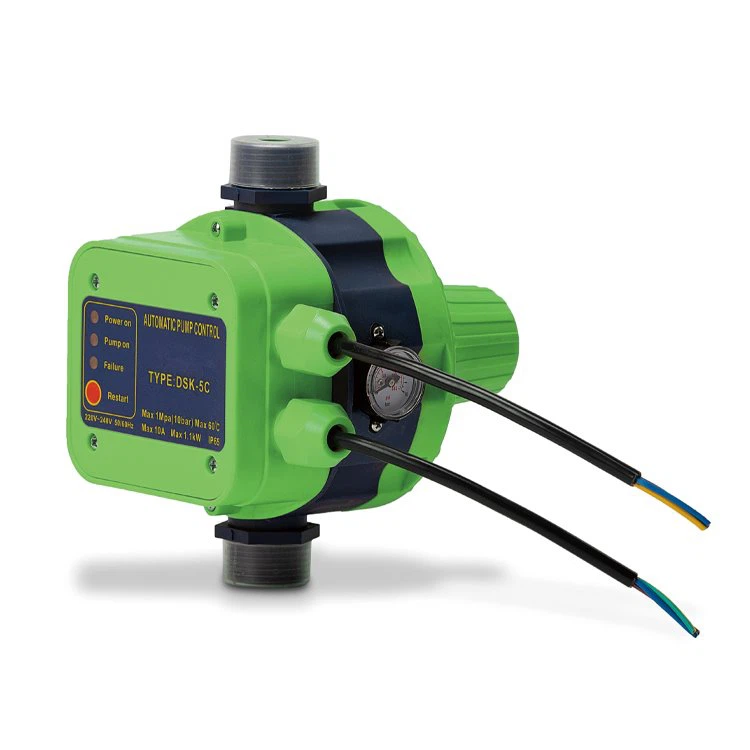
If you're in the market for other types of switches or accessories, I also want to mention some related products. For example, if you're interested in water pump control, you might want to check out these links: Water Pump Controller, Automatic Pump Control, and Pressure Control Switch. These products are not directly related to mechanical keyboard switches, but they're part of the broader world of switches and controls.
Conclusion
So, there you have it! The main differences between Cherry MX Red and Cherry MX Blue switches. Whether you're a typist, a gamer, or just someone who wants a high-quality keyboard, understanding these differences can help you make the right choice.
If you're interested in purchasing Cherry MX Red or Blue switches, or if you have any questions about our products, don't hesitate to reach out. We're here to help you find the perfect switches for your needs. Whether you're looking for a few switches for a custom build or a large quantity for a manufacturing project, we can work with you to get the best deal.
Let's start a conversation and see how we can make your keyboard dreams a reality. Contact us today to discuss your requirements and get a quote.

References
- Cherry Corporation official documentation
- Various online reviews and user forums about mechanical keyboard switches