

Can I replace mechanical switches on my keyboard?
In the realm of keyboard enthusiasts, the question of whether one can replace mechanical switches on a keyboard is a common one. As a supplier of mechanical switches, I'm here to shed light on this topic, providing insights into the process, benefits, and considerations associated with switch replacement.
Understanding Mechanical Switches
Before delving into the replacement process, it's essential to understand what mechanical switches are and how they function. Mechanical switches are the key components beneath each keycap on a mechanical keyboard. They are responsible for registering keystrokes and come in various types, each offering a unique tactile and auditory experience.
There are three main types of mechanical switches: linear, tactile, and clicky. Linear switches, such as Cherry MX Red, offer a smooth and consistent keystroke with no tactile bump or audible click. Tactile switches, like Cherry MX Brown, provide a slight tactile bump when the key is pressed, giving the user feedback on the actuation point. Clicky switches, such as Cherry MX Blue, combine the tactile bump with an audible click, making them popular among typists who enjoy the satisfying sound of each keystroke.
Reasons for Replacing Mechanical Switches
There are several reasons why someone might want to replace the mechanical switches on their keyboard. One of the most common reasons is to customize the typing experience. Different switches offer different levels of tactile feedback, actuation force, and sound, allowing users to tailor their keyboard to their specific preferences. For example, a gamer might prefer linear switches for their fast and smooth keystrokes, while a writer might opt for clicky switches for the audible feedback.
Another reason for switch replacement is to repair a faulty switch. Over time, mechanical switches can wear out or become damaged, resulting in inconsistent keystrokes or complete failure. By replacing the faulty switch, users can extend the lifespan of their keyboard and avoid having to purchase a new one.
The Process of Replacing Mechanical Switches
Replacing mechanical switches on a keyboard is a relatively straightforward process, but it does require some basic tools and technical knowledge. Here's a step-by-step guide on how to replace mechanical switches:
- Gather the necessary tools: You'll need a soldering iron, solder wick or desoldering pump, flux, new mechanical switches, and a pair of tweezers.
- Remove the keycaps: Use a keycap puller to remove the keycaps from the keyboard. This will give you access to the switches beneath.
- Desolder the old switches: Carefully heat the solder joints on the underside of the keyboard using a soldering iron. Once the solder has melted, use a desoldering pump or solder wick to remove the excess solder. Be careful not to damage the keyboard's PCB (printed circuit board) during this process.
- Remove the old switches: Once the solder has been removed, use a pair of tweezers to gently pull the old switches out of the keyboard.
- Install the new switches: Insert the new switches into the keyboard's PCB, making sure they are properly aligned. Then, solder the new switches in place using a soldering iron and flux.
- Reattach the keycaps: Once the new switches have been installed, reattach the keycaps to the keyboard using a keycap puller.
Considerations and Precautions
While replacing mechanical switches is a relatively simple process, there are a few considerations and precautions to keep in mind. First, make sure you have the right tools and equipment for the job. Using the wrong tools can damage the keyboard's PCB or the switches themselves.
Second, be careful when desoldering and soldering the switches. Overheating the PCB or the switches can cause damage, so it's important to use a soldering iron with a temperature control and to work quickly and efficiently.

Third, make sure you choose the right switches for your keyboard. Not all switches are compatible with all keyboards, so it's important to do your research and choose switches that are specifically designed for your keyboard model.
Related Products
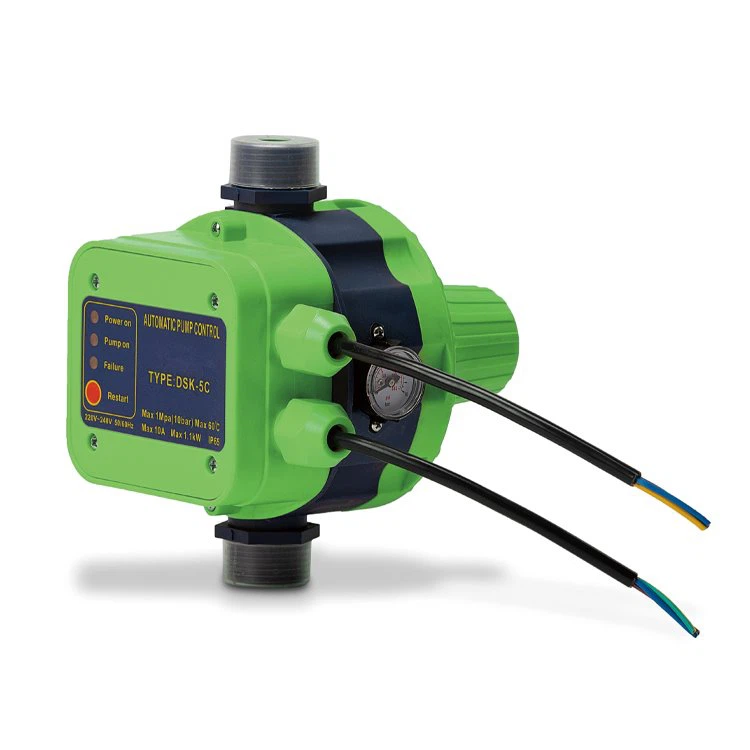
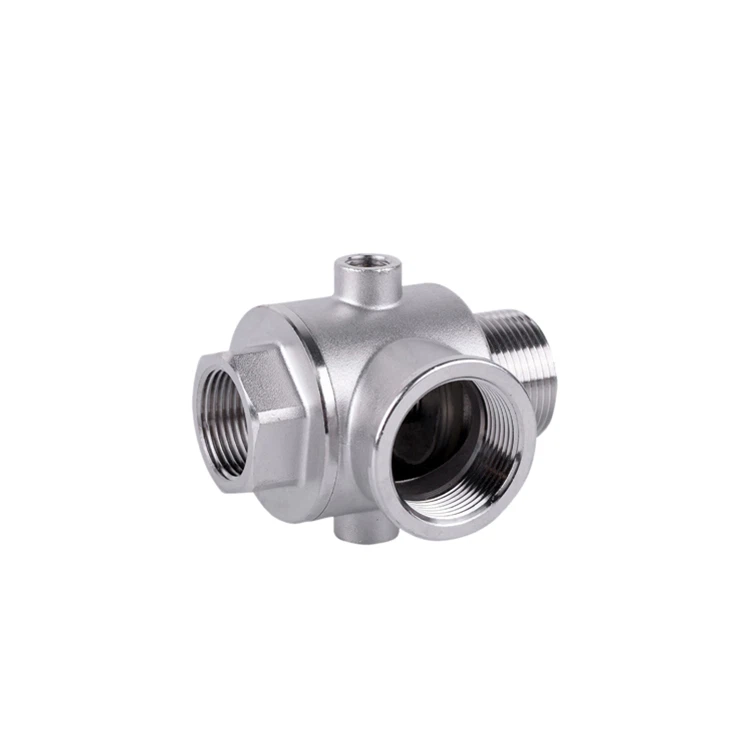
In addition to mechanical switches, we also offer a range of other products for keyboard enthusiasts. For example, we have a Pressure Control Switch that can be used to regulate the pressure in a water pump system. Our Stainless Steel Five-way Check Valve is a high-quality valve that can be used to control the flow of water in a plumbing system. And our Temperature Transmitter is a reliable device that can be used to measure and monitor the temperature of a fluid or gas.
Conclusion
In conclusion, replacing mechanical switches on a keyboard is a relatively simple process that can offer a range of benefits, including customization and repair. By following the steps outlined in this blog post and taking the necessary precautions, you can replace the switches on your keyboard with ease. If you have any questions or need further assistance, please don't hesitate to contact us. We're here to help you find the right switches and products for your needs. Whether you're a gamer, a writer, or just a keyboard enthusiast, we have the products and expertise to help you create the perfect keyboard. So why wait? Contact us today to start your keyboard customization journey.
References
- Cherry MX Switch Guide. Cherry Corporation.
- Mechanical Keyboard Basics. PCMag.
- How to Replace Mechanical Switches on a Keyboard. Tom's Hardware.